











Accessing your betting account starts with entering your credentials on the platform. This page explains how to sign in to an existing account, create one if you are new, and deal with common access problems. It also covers password recovery and the information to have ready before registration.
Users in the Republic of Congo should keep their contact details current and use a private device whenever possible. A few careful checks before signing in can prevent avoidable delays and help protect personal information.
Champion Bet Login Guide
The sign-in form is generally available from the homepage. Enter the email address or phone number used during registration, then enter your password. Check the details before submitting: an extra space, a typing error, or Caps Lock can stop a successful login.
Only enter credentials on the site you intended to open. Do not save a password on a shared phone or public computer, and avoid reusing a password from email or social media. If you see unfamiliar activity, change the password before continuing.
- Open the homepage and find the login area.
- Enter your registered email address or phone number.
- Type your password carefully.
- Submit the form and follow any verification prompt shown on screen.
Champion Bet Registration
A registered profile is needed to manage account activity and use betting features. Before starting, prepare your full name, date of birth, phone number, email address, and any identification details requested by the form. Registration is intended for adults aged 18+.
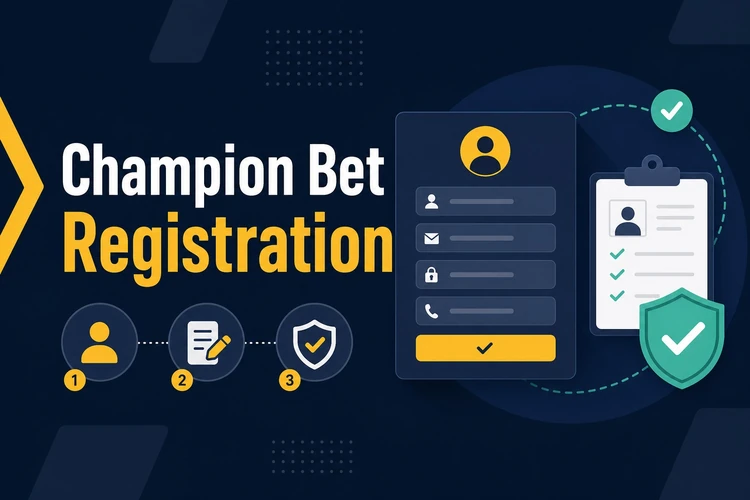
Use accurate information that matches your documents. Incorrect names, dates of birth, or contact details can make later verification and account recovery harder. Read the site terms before submitting the form, and consider the guidance on responsible gambling before you begin.
How to Register with Champion Bet
Creating an account follows a short sequence. Complete each field carefully and keep access to the email address or phone number you provide, as it may be needed to confirm ownership of the account.
- Step 1: Open the website and select the registration option near the login area.
- Step 2: Enter your personal details exactly as they appear on your identification documents.
- Step 3: Create a password that is difficult to guess. Avoid birthdays, simple number sequences, and passwords used on other services.
- Step 4: Add an active email address and phone number that you can access.
- Step 5: Read the terms and conditions, then submit the completed form.
- Step 6: Follow any confirmation instructions sent to your registered contact method before attempting your first login.
Keep a private record of the email address or phone number used for the account. If identity documents are requested later, submit clear copies through the platform’s stated process rather than sending them through unofficial channels.
Common Login Issues
A wrong password is a frequent reason for an unsuccessful sign-in. On a mobile device, autocorrect can alter entries, while a password manager may fill credentials for a different site. Re-enter the details manually once and check that the registered contact method is correct.
If access still fails, use the password recovery option rather than repeatedly guessing. A missing confirmation message may be in the spam or junk folder. Browser problems can sometimes be addressed by refreshing the page, clearing stored site data, or trying another current browser. Do not share one-time codes with anyone.
If the account is awaiting confirmation, complete the instructions displayed in the verification message. For an issue that continues after these checks, use the site’s contact page and describe the error without including your password or verification code.
Password Recovery
Use password recovery when you cannot remember the current password or believe it may no longer be secure. Select the “Forgot password?” option on the login form and provide the registered email address or phone number. Follow the instructions sent through that contact method to set a new password.
Choose a new password that is unique and keep it private. If no recovery message arrives, confirm the contact detail entered and check filtered mail folders. If you no longer have access to the registered email address or phone number, contact support and follow its identity-check instructions. Never send identity documents or account credentials through an unverified message.
Frequently Asked Questions
Open the registration form, enter accurate personal and contact details, create a secure password, and follow any confirmation instructions shown after submission.
Yes. You can access the login form through a current mobile browser. Use a private device and avoid saving credentials on a shared phone.
Check the information displayed on the registration form and the site terms before submitting. Do not provide payment details unless you choose to use an available account feature.
Check your contact detail and password, then use password recovery if needed. If the issue remains, contact support without sharing your password or verification codes.
The time can depend on the information requested and whether confirmation or verification is needed. Complete every field accurately and follow the instructions shown on screen.
Use the “Forgot password?” option on the login form. Enter your registered contact detail and follow the reset instructions sent to you.